Videos
The Spice Labs dashboard: from a survey to a remediation plan
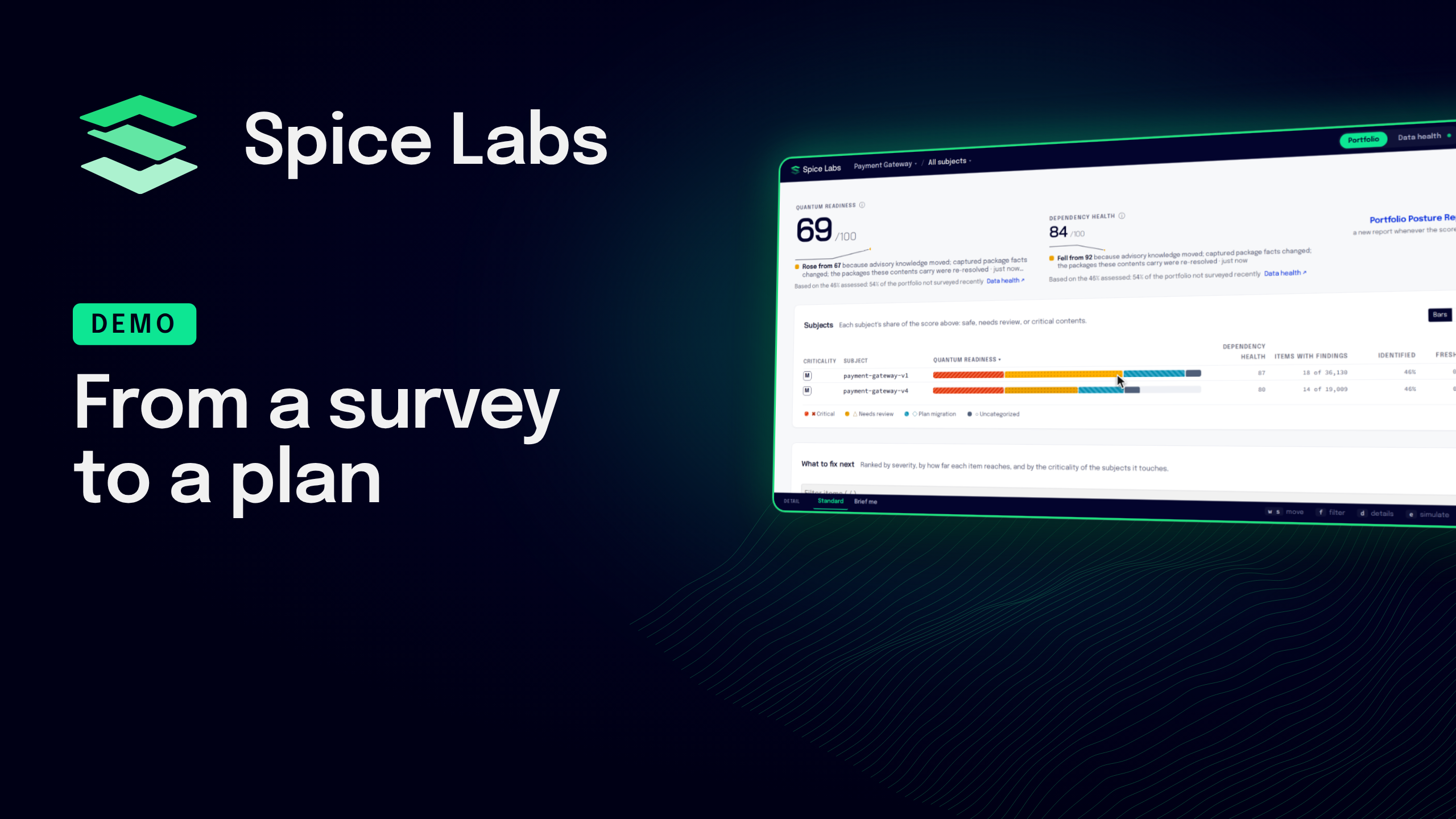
Follow one survey from the command line to a remediation plan.
The Surveyor CLI surveys a build of a payment gateway application and uploads an encrypted model of it; the code never leaves the machine. Topographer, the Spice Labs hosted platform, lists the survey with its reports: a post-quantum readiness report that classifies every algorithm found, and a cryptography bill of materials (CBOM) in the CycloneDX format.
The portfolio rolls every application up into a quantum readiness score and a dependency health score, ranks what to fix next, and simulates a fix before anyone touches code. A coding agent connected to Spice Labs over MCP then applies the top-ranked fix, a dependency version upgrade, and surveys the new build.
Surveyor IT surveys a whole artifact repository in bulk, and Surveyor IT Pro and OT Pro build CBOMs fully air-gapped.
Step by step guides: https://docs.spicelabs.io
Chapters
- 0:00 Introduction
- 0:11 Install the Surveyor CLI and survey
- 0:29 Surveys and reports
- 0:51 Post-quantum readiness report
- 1:07 The portfolio
- 1:20 What to fix next
- 1:31 Simulate a fix
- 1:41 A coding agent over MCP
- 2:02 Bulk and air-gapped surveys
- 2:19 Next steps
Related guides
Transcript
0:00 Introduction Spice Labs finds the cryptography and open source components inside the software you ship, from the artifacts themselves. This overview follows one survey from the command line to a remediation plan.
0:11 Install the Surveyor CLI and survey Everything starts with the command line tool. One command installs it. A survey reads every file in an artifact and builds an encrypted mathematical model of it. Your code never leaves the machine, and only that model is uploaded. Here we survey a build of a payment gateway application.
0:29 Surveys and reports The survey appears in the dashboard as soon as the upload finishes. The surveys page lists every survey in the project with its status. Here are two versions of the same application. Open a survey to see its facts and the reports it produced. They are a post-quantum readiness report and a cryptography bill of materials in the CycloneDX format auditors ask for.
0:51 Post-quantum readiness report The readiness report classifies every algorithm found as critical, needs review, plan migration, or quantum safe, and names the library and version behind each finding. This is the cryptographic inventory that regulators are now asking for.
1:07 The portfolio The portfolio is where the work gets planned. It rolls every subject up into a quantum readiness score and a dependency health score, and shows each subject's share of what is safe, what needs review, and what is critical.
1:20 What to fix next What to fix next ranks every action by severity, by how far it reaches, and by the criticality of the subjects it touches, so the team always knows where to start.
1:31 Simulate a fix Before anyone touches code, simulate the fix. The portfolio projects the new scores for that one change, and more fixes can be added to the simulation to plan a whole release.
1:41 A coding agent over MCP The portfolio is open to your tools as well. Here a coding agent, connected to Spice Labs over MCP, takes the top-ranked action, files the issue, applies the fix, and re-surveys the build. Back in the portfolio, the fix is real. The new survey is in, and the scores and the ranked list have moved with it.
2:02 Bulk and air-gapped surveys One artifact at a time is only the start. Surveyor IT points at an artifact repository such as Artifactory or Nexus and surveys everything in it, in bulk. Surveyor IT Pro and OT Pro do the same fully air-gapped, building CBOMs on premises.
2:19 Next steps Install the tool, survey an artifact, and plan the fixes from the portfolio. The step by step guides on docs.spicelabs.io cover each of these.