Videos
Your first inventory survey with Spice Labs
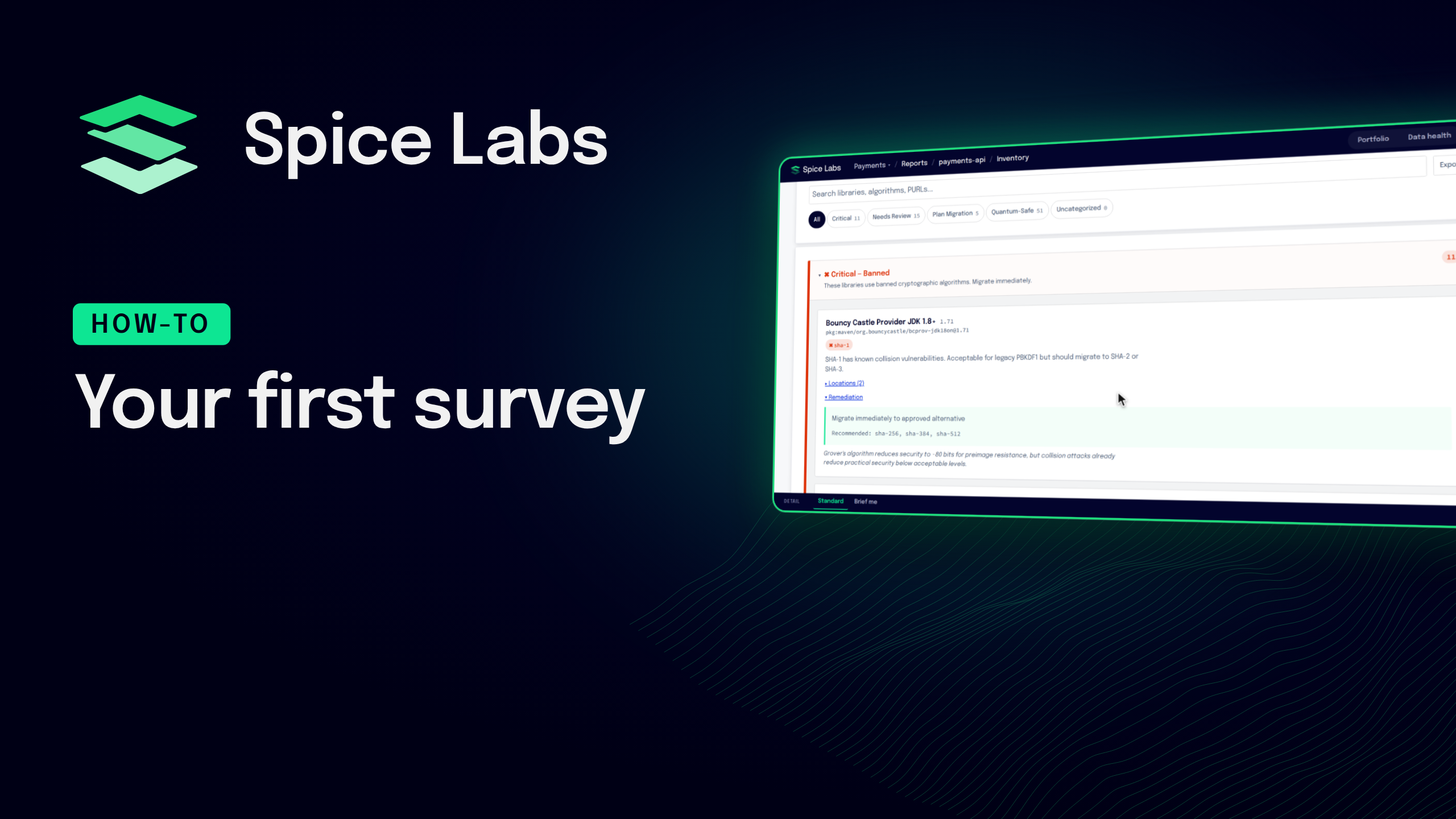
Survey your first application with Spice Labs, step by step.
Generate a Spice Pass in Topographer, install the Surveyor CLI with one command, and run an inventory survey of a built Java application. The CLI surveys on your machine and uploads only an encrypted model of what it found; your files and source code never leave your machine.
Then read the results: the survey's page, its post-quantum readiness report, which sorts every algorithm into critical, needs review, plan migration or quantum safe and names the library behind each one, and the portfolio, which scores the application and lists what to fix first.
Quick start: https://docs.spicelabs.io/docs/get-started/quick-start/
Chapters
- 0:00 Introduction
- 0:10 Generate a Spice Pass
- 0:22 Install the Surveyor CLI
- 0:33 Run an inventory survey
- 0:49 See the results
- 1:00 The readiness report
- 1:11 The portfolio
Transcript
0:00 Introduction This is how to survey your first application with Spice Labs. Generate a Spice Pass, install the Surveyor CLI, run an inventory survey, and read the results.
0:10 Generate a Spice Pass In the dashboard, open the menu and choose Survey setup. Pick how long the Spice Pass should last and select Generate. The pass lets the CLI upload surveys to this project and nothing else.
0:22 Install the Surveyor CLI One command installs the Surveyor CLI. It runs in a container, so Docker needs to be running. Copy the Spice Pass and set it in the terminal you survey from.
0:33 Run an inventory survey Every survey names a subject, which is the name this application has in Spice Labs. Use the same name every time you survey it. The CLI reads the built jar on your machine and uploads only an encrypted model of what it found. Your code never leaves the machine.
0:49 See the results The survey shows up on the surveys page as soon as the upload finishes. Open it to see its facts and its reports. There is a post-quantum readiness report and a CBOM.
1:00 The readiness report The readiness report sorts every algorithm it found into critical, needs review, plan migration, or quantum safe, and names the library and version behind each one.
1:11 The portfolio In the portfolio, the subject gets its quantum readiness score, and What to fix next lists the changes that help the most. Survey every build under the same subject to watch findings go away as fixes land. The quick start on docs.spicelabs.io has every command.